Important:
This article refers to the original Wix Hotels app. If you are using the new Wix Hotels by HotelRunner, read this article. Learn how to check which version of Wix Hotels you are using.
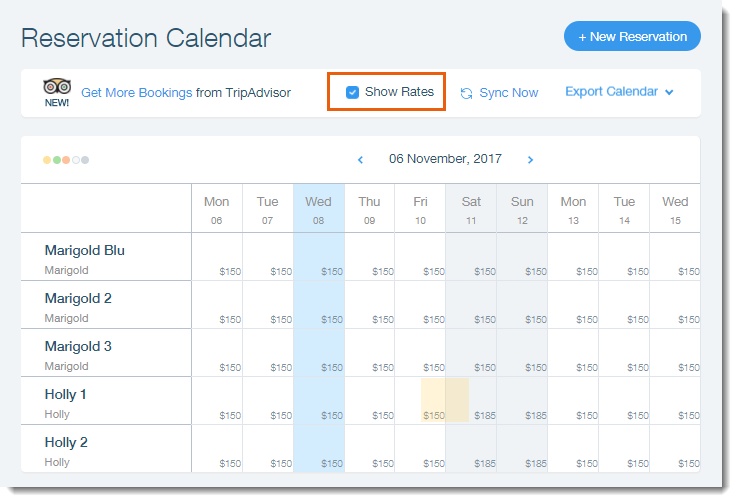
It can be hard to remember the rates you set for different rooms on different days, especially when setting weekend and/or seasonal rates. With the Wix Hotels Calendar, you can easily get an overview of all of your rooms individual rates.
To show the room rates:
Click the Hotels tab.
Click the Reservations tab.
Select the checkbox next to Show Rates.
This article is credited to the Wix team - https://support.wix.com/ and we thank them for that!