Important:
This article refers to the original Wix Hotels app. If you are using the new Wix Hotels by HotelRunner, read this article. Learn how to check which version of Wix Hotels you are using.
Adding an email address in Wix Hotels allows you to receive notifications when your guests make reservations. This is the same email address the Channel Manager uses when creating your Hotel Runner account, allowing you to sync your hotel room availability and rates with other hotel services. Making sure the email address is valid is vital for this purpose.
To change your email address in Wix Hotels:
Go to your site's dashboard.
Click the Hotels tab on the left.
Click the Settings tab.
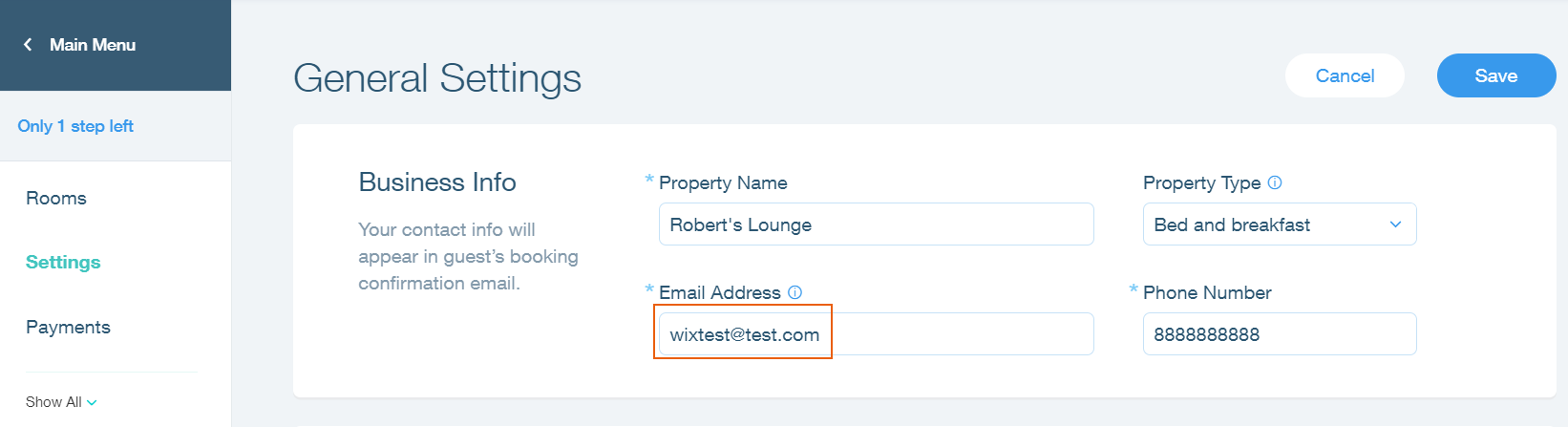
Enter your email address in the Email Address text field in the Business Info section.
Click Save.
Important:
Make sure the email address being used is not already in use with Hotel Runner directly.
This article is credited to the Wix team - https://support.wix.com/ and we thank them for that!