When you upgrade a site, the plan you purchase is assigned to that specific site. However, it is possible to unassign your plan from your site. You can reassign the plan to a different site in your Wix account at any time.
Working with Wix Studio?
You can transfer a Premium plan to a site created with Wix Studio by upgrading to a Wix Studio plan. Learn more about assigning a Premium plan to a Studio site.
To assign an unassigned plan:
Go to Premium Subscriptions in your Wix account.
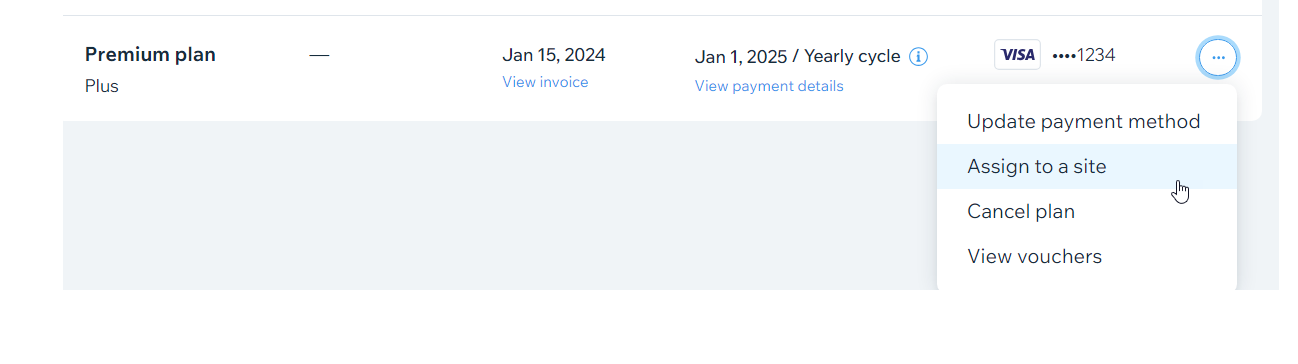
Click the More Actions icon

next to the unassigned plan.
Click Assign to a Site.
Select the site you want to assign the plan to and click Next.
Click Assign.
This article is credited to the Wix team - https://support.wix.com/ and we thank them for that!