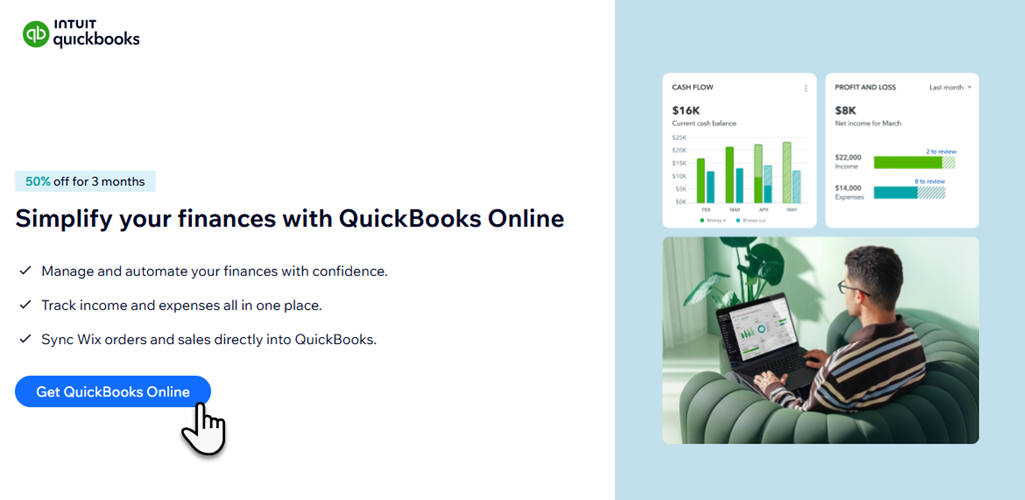
Manage your income and expenses in one place with QuickBooks. Save time by retrieving orders from your Wix site, streamlining your bookkeeping solutions, and automating data entry.
Purchase your QuickBooks Online subscription directly from your site's dashboard. Once you've set up your account, you can view and manage your plan from the QuickBooks page.
Before you begin:
QuickBooks through Wix is currently available only to select users in the United States.
QuickBooks plan features
Choose the plan that's right for your business. All plans are on a monthly billing cycle and include tax tracking, insights and reports, and unlimited custom invoices.
Simple Start
Smart expense organization
Automated bookkeeping
5 free ACH bank transfers/mo for bills
For 1 user, plus your accountant
Essentials
Smart expense organization
Accounting Agent
Payments Agent
Recurring invoices
Automated bookkeeping
5 free ACH bank transfers/mo for bills
For 3 users, plus your accountant
Plus
Smart expense organization
Accounting Agent
Payments Agent
AI-powered reconciliation
Customer Agent
Recurring invoices
Automated bookkeeping
5 free ACH bank transfers/mo for bills
AI-powered profit & loss insights
Anomaly detection and resolution
Budgeting
For 5 users, plus your accountant
Advanced
Smart expense organization
Accounting Agent
Payments Agent
AI-powered reconciliation
Customer Agent
Finance Agent
Project Management Agent
Recurring invoices
Automated bookkeeping
5 free ACH bank transfers/mo for bills
AI-powered profit & loss insights
Anomaly detection and resolution
Budgeting
Custom user management and permissions
Custom report builder
Data sync with Excel
Revenue recognition
Forecasting
For 25 users, plus your accountant
Purchasing a QuickBooks plan
Once you've selected the QuickBooks Online plan that's right for your business, you can purchase your plan through Wix.
To purchase a QuickBooks plan:
Go to QuickBooks Online in your site's dashboard.
Click Get QuickBooks Online.
Select a plan and proceed to checkout to complete the purchase.
Adding QuickBooks Payroll
Take the stress out of payday with QuickBooks Payroll, an automated payroll tool for small businesses. Payroll can automatically calculate, file, and pay local taxes, and offers next-day deposits for your team.
Purchase a QuickBooks Payroll Core plan right from the QuickBooks Online section of your site's dashboard. With a Payroll Core plan you'll get:
Full-Service Payroll
Automated Payroll Runs
Automated Tax Calculations & Filing
Next-Day Direct Deposit
Ready to get started?
You can purchase a QuickBooks Payroll Core plan after you active your QuickBooks Online account. Payroll Core is a separate subscription in addition to your QuickBooks Online plan.
FAQs
Click a question below to learn more about QuickBooks.
Can I purchase more than one QuickBooks subscription for my account?
Yes, you can purchase one QuickBooks plan for each Wix site in your account. Go to the QuickBooks page in your site's dashboard to purchase a plan for your site.
How do I update my payment method?
Go to Premium Subscriptions in your Wix account, click the More Actions icon

next to the relevant subscription and select Update payment method.
How do I cancel my QuickBooks subscription?
Go to Premium Subscriptions in your Wix account, click the More Actions icon
next to the relevant subscription and select Cancel QuickBooks.
This article is credited to the Wix team - https://support.wix.com/ and we thank them for that!