You can add apps to your site from the Wix App Market in your editor, your site's dashboard, or the Wix app.
Some apps that you add in your dashboard or the Wix app also need to be added in your site's editor. You'll see a notification in your site's editor if you have a pending app that you need to add.
To manage pending apps in your editor:
Wix Editor
Click Add Apps

on the left side of the editor.
Click Manage Apps at the bottom left.
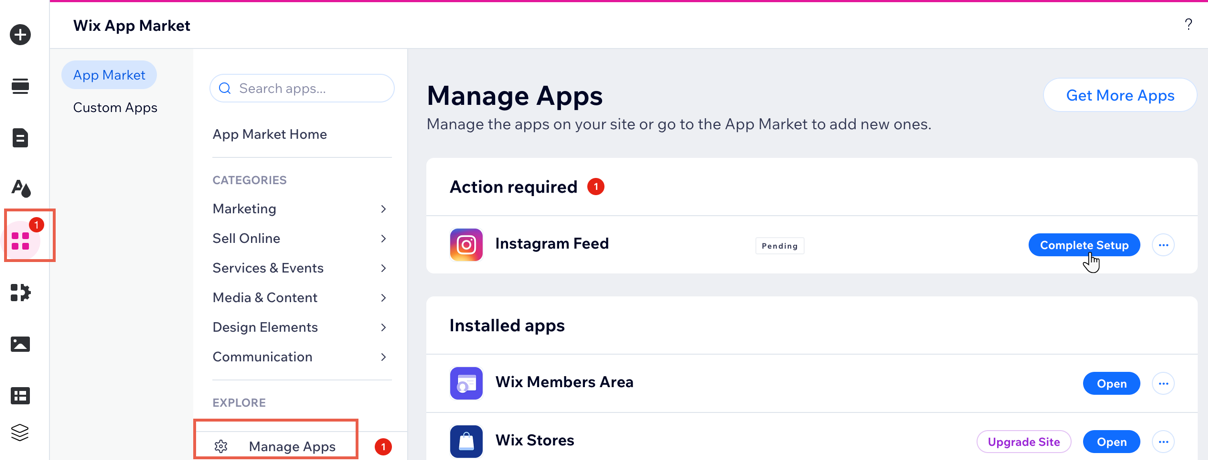
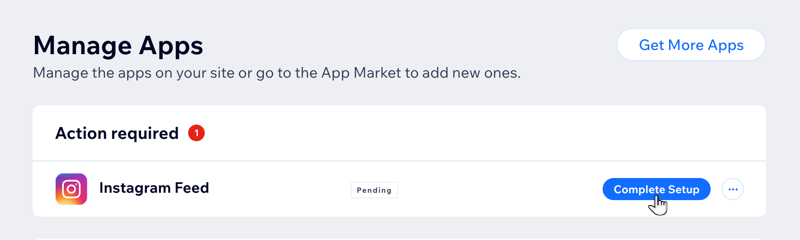
Click Complete Setup or Add to Site next to the relevant app.
Studio Editor
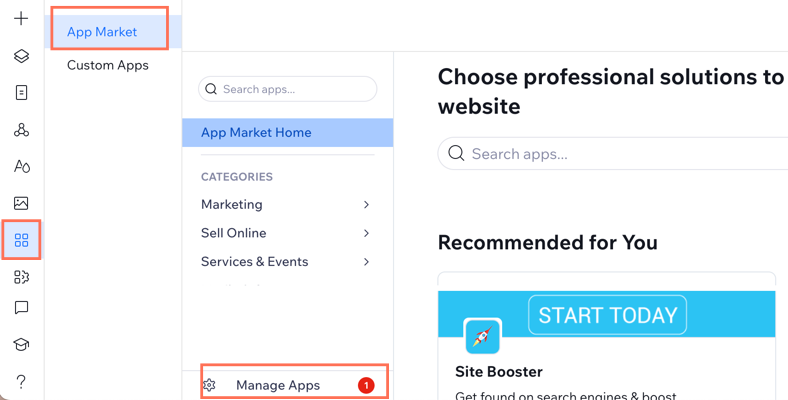
Click App Market

on the left side of the editor.
Click App Market.
Click Manage Apps.
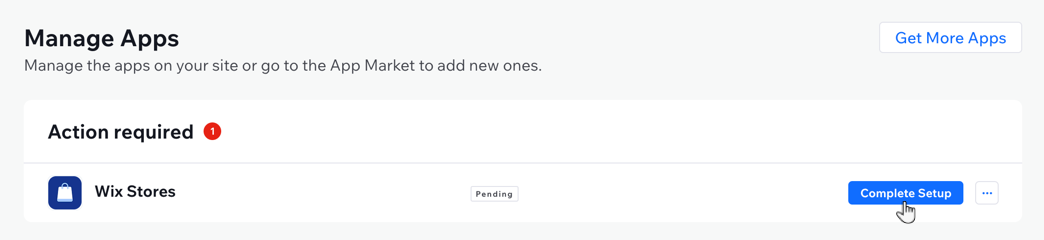
Click Complete Setup or Add to Site next to the relevant app.
This article is credited to the Wix team - https://support.wix.com/ and we thank them for that!