Important:
This article is relevant for Wix Stores, Wix Bookings, Wix Restaurants Orders, Wix Donations, and is in the process of becoming available for Pricing Plans.
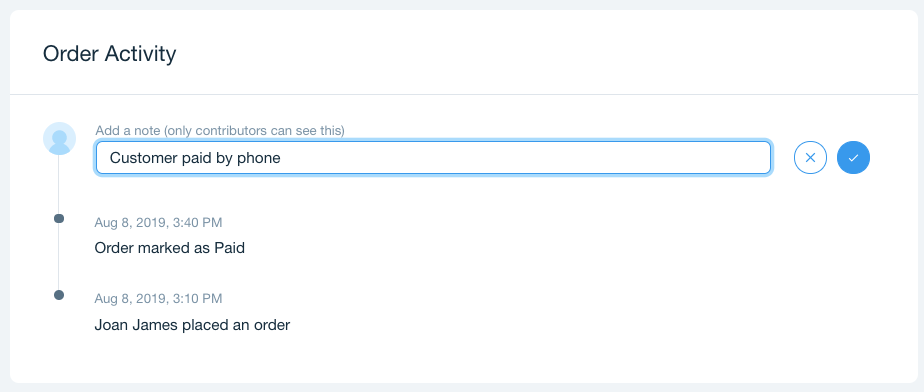
Keep track of special requests and instructions by adding notes to orders. These notes are personal and can only be seen by you and your site collaborators.
To add a note to an order:
Go to the Orders tab in your site's dashboard.
Select the order you want to add the note to.
Scroll down to Order Activity.
Enter your note in the Add a note field.
Click the checkmark to save.
This article is credited to the Wix team - https://support.wix.com/ and we thank them for that!