Important:
This article refers to the original Wix Hotels app. If you are using the new Wix Hotels by HotelRunner, read this article. Learn how to check which version of Wix Hotels you are using.
The Hotels tab in your site's dashboard is the main center of operation for your hotel. From here you can edit your property settings and manage your reservations. You can reach the Hotels tab from:
Accessing the Hotels Tab from the Editor
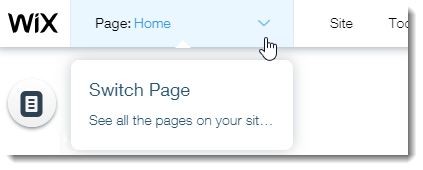
Click the Switch Page drop-down on the top bar of the Editor and click to open the Hotel page.
Click the Wix Hotels app.
Click Manage.
Accessing the Hotels Tab from Your Site's Dashboard
Go to your site's dashboard.
Click the Hotels tab on the left.
This article is credited to the Wix team - https://support.wix.com/ and we thank them for that!